
COMING SOON
NomadPad
Control your Mac from iPhone / iPad.
Turn your iPhone or iPad into a trackpad and keyboard for your Mac over Wi-Fi. Instant QR pairing, everything stays on your local network — no cloud relay.
Features
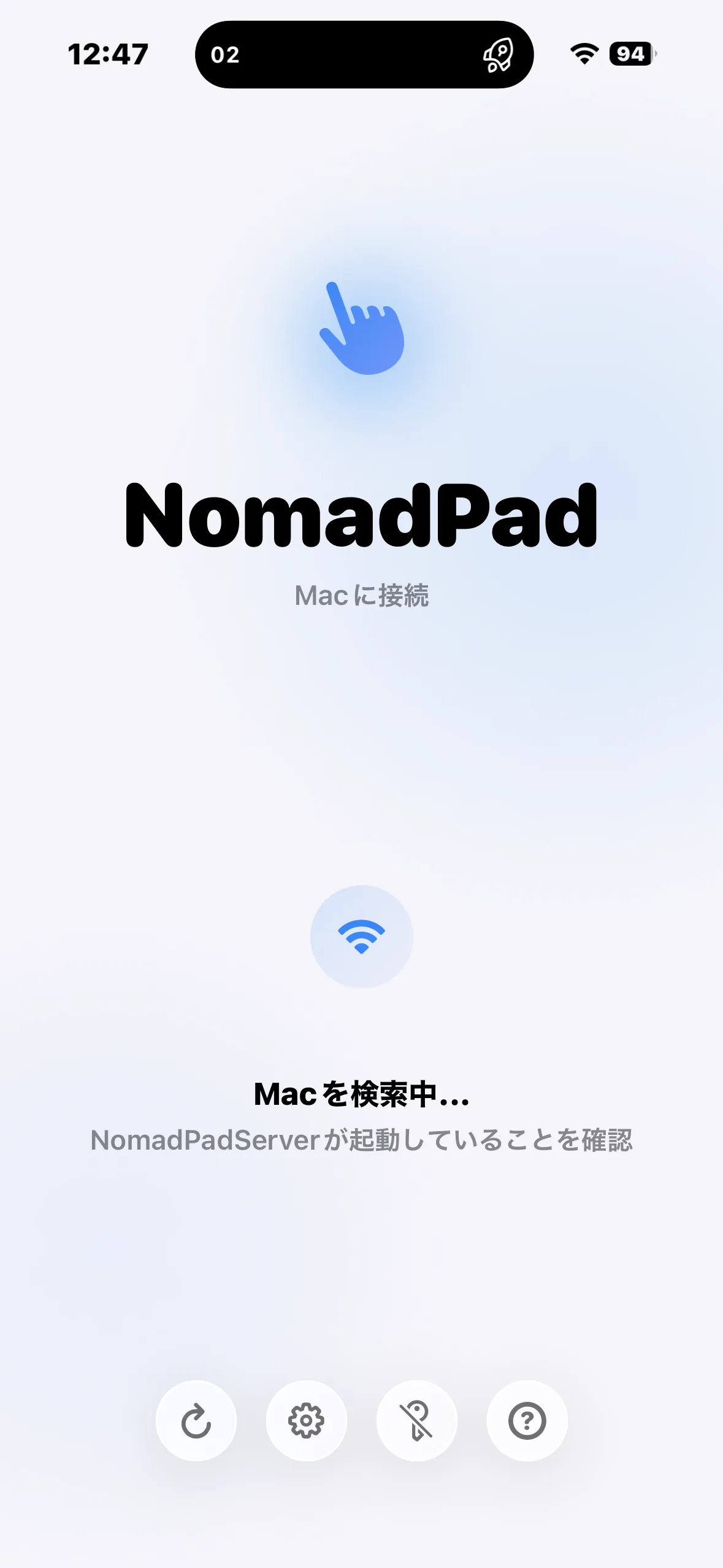
QR pairing
No server config. Scan the QR displayed on your Mac from iPhone and you're in.
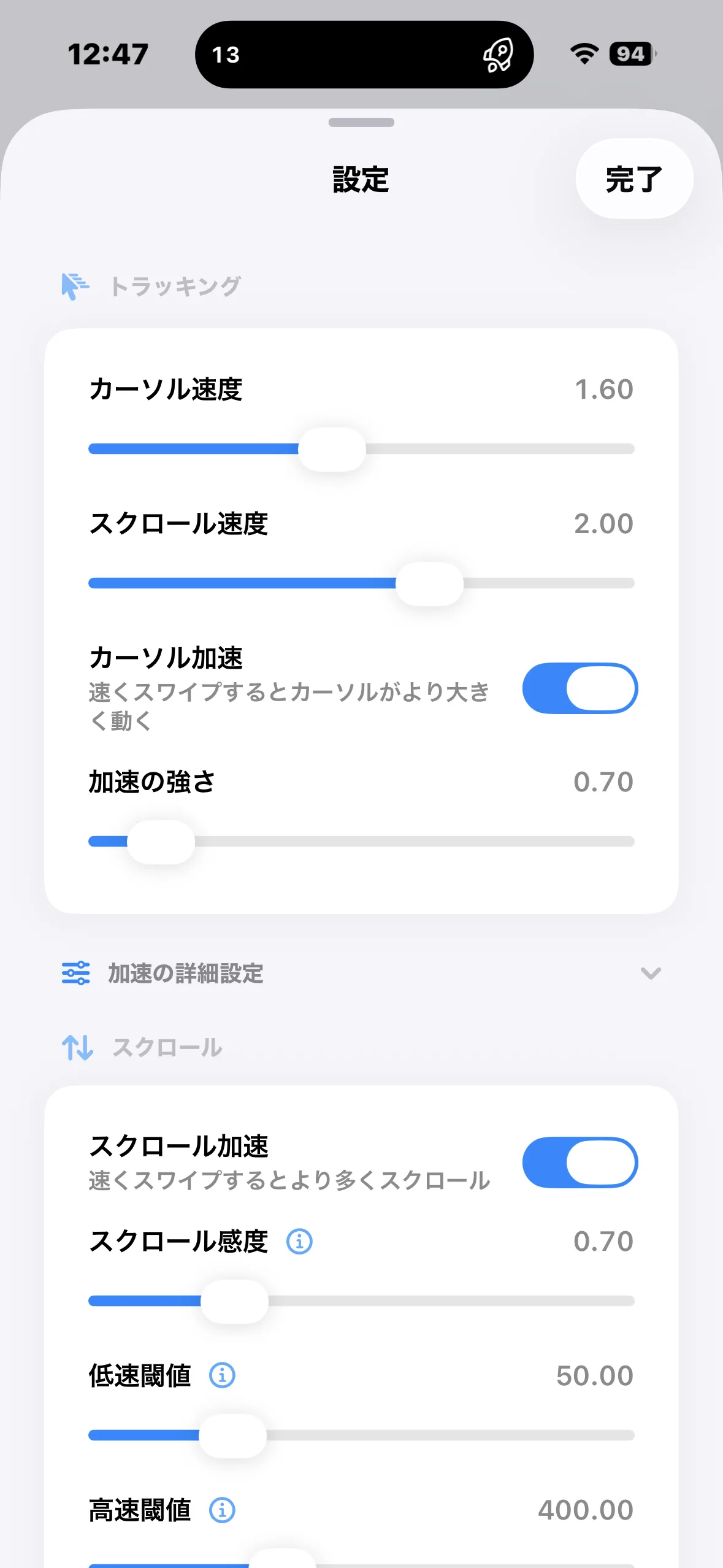
Low-latency local
No cloud relay — devices on the same Wi-Fi talk directly, so cursor movement feels immediate.
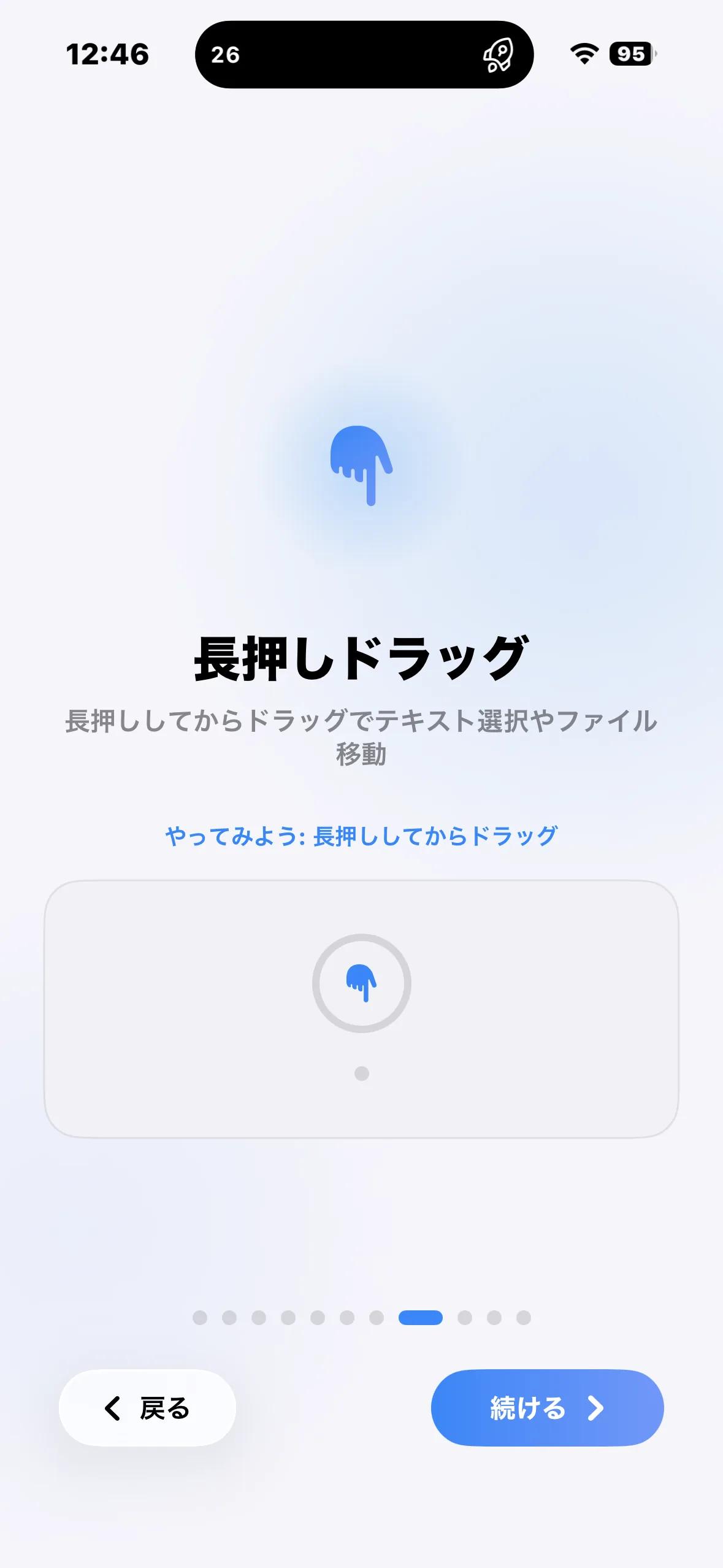
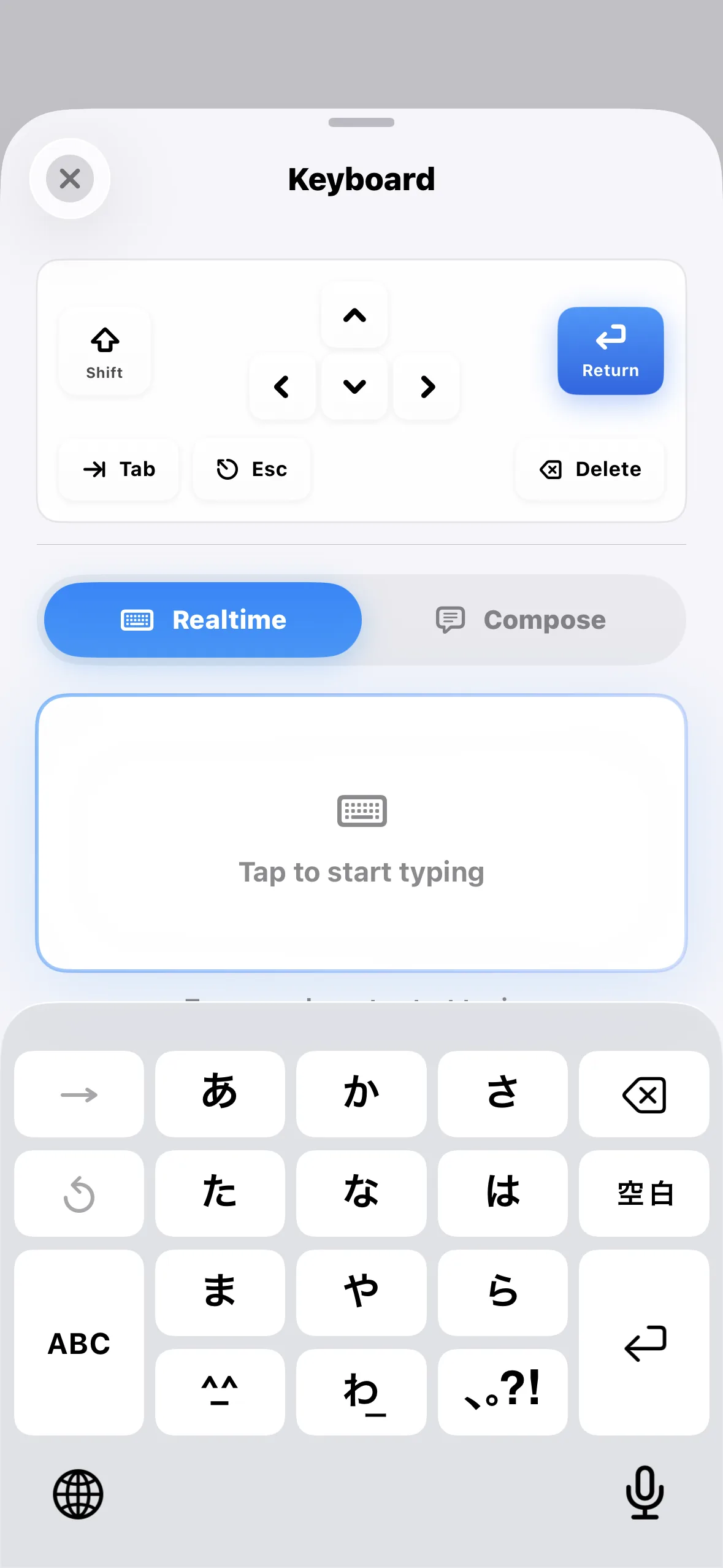
Trackpad & keyboard
Multi-touch gestures, modifier keys, Spaces switching, arbitrary shortcuts — all from iOS.
Privacy first
Input never leaves your local network. No telemetry is collected or sent.
Screenshots
How it works
Download NomadPadServer.dmg from GitHub Releases.
Open the DMG and drag NomadPadServer.app into the Applications folder.
Launch the app and grant Accessibility permission in System Settings > Privacy & Security.
Open NomadPadRemote on iPhone / iPad and scan the QR code shown on your Mac.
Once on the same Wi-Fi, you're connected instantly — use your device as a trackpad and keyboard.
App info
- Publisher
- yamaguchi ryo
- Support
- support@r1ca18.dev
- Bundle ID (iOS)
- com.r1ca18.NomadPadRemote
- Bundle ID (macOS)
- com.r1ca18.NomadPadServer
- Subscription
- $1.99 / month · Free trial 7 days